
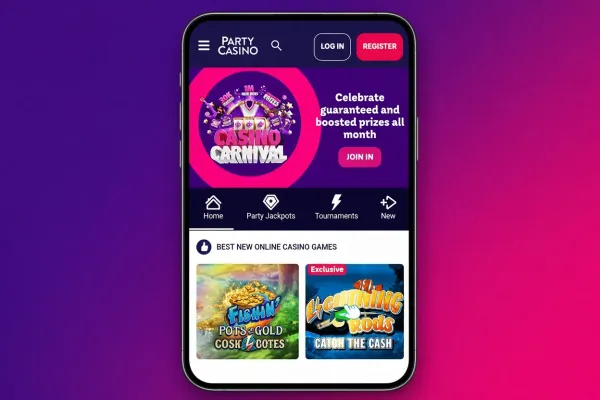
The PartyCasino app for Android is available, so you can open PartyCasino on an Android phone from an installed app rather than a browser tab. The PartyCasino mobile site is also available on phones and needs no installation. This page explains how the Android app compares with the mobile site, how to install it, and what to check on your phone before you play.
How the Android app compares with the mobile site
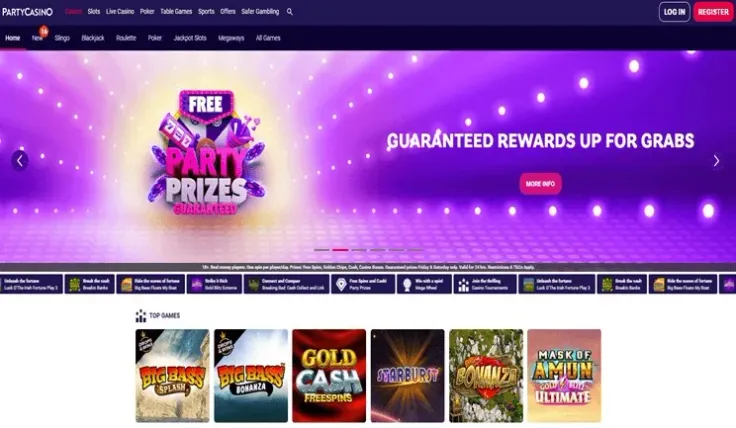
The app is installed on your phone and opens from its own icon, so you do not need to type an address each time. The mobile site runs in the browser you already use and needs nothing installed. Both give you PartyCasino on your phone, so the choice comes down to whether you want something installed on the device.
Live casino is part of the PartyCasino range, and the live casino page covers how those tables work. Live dealer games show a real dealer streamed on video, so they need a steadier connection and more data than static games. A live round usually follows a set order: you place your bet, the dealer completes the round, and the result shows before the next round starts. Read the table information before you sit down, including the minimum and maximum bet.
A phone screen shows less at once than a larger display, so check the bet amount shown before you confirm each bet. Small buttons are easy to tap by mistake, and a moment's check costs nothing.
If you use an iPhone, the iPhone app page covers that version. For the browser route, see the mobile version page.
Installing the PartyCasino Android app

Start with the Android app button at the top of this page, which leads to the app for your phone. Install it the way you would any other app on Android. Once it is on your phone, open it and log in with your existing account, or create an account first if you do not have one.
Install only through that button. A copy of the app sent to you by email, a text message or a social media post may not be the genuine app. Do not install an APK file from an unknown source, even if the file name and icon look right.
Before you start, make sure the phone has enough free storage for the app and that its system software is up to date. An installation can stop partway if storage is full, and an out-of-date system can cause problems with newer apps. If the install fails, check these two things first and try again.
Once the app is installed, open it only from your own home screen or app list. If the phone asks you to allow an install from a source you do not recognise, stop and check where the file came from before you continue.
Keeping your account safe on your phone

A phone is easy to lose and easy to share, so set a screen lock with a passcode, PIN or fingerprint before you log in. Anyone who can open an unlocked phone can open the app too, so do not leave your account signed in on a device other people use.
Do not share your login details with anyone, and do not keep them in a note or message on the phone. A password manager is a safer place to store them than a plain text file. Log out when you finish a session on a shared device.
Playing on mobile data uses your plan's allowance. Live casino games stream video, so a single long session can use a noticeable part of a monthly allowance. Check your plan before a long session, or switch to Wi-Fi where you can.
Use the limit tools in your account to set your own spending and time limits before you play. The safer gambling page explains the options and where to get help. If you prefer not to be reminded during a session, you can turn off notifications from the app in your phone's settings.
Keep the phone's software up to date and set the screen to lock quickly when you put it down, so the account is never left open by accident.