

What PartyCasino offers on mobile
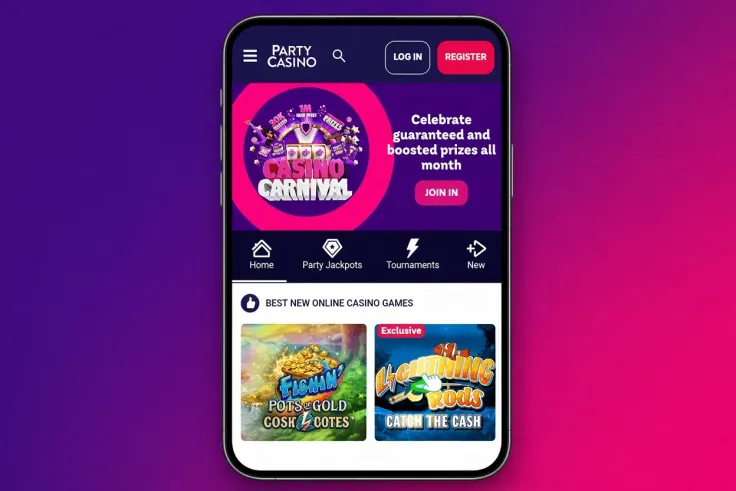
PartyCasino gives you a choice rather than a single route. There is a native app for iPhone, a native app for Android phones, and a mobile site that opens in the browser on either type of device. All three give you access to the casino from a phone, so the decision is about convenience, not about which one lets you in.
The iPhone app page is for readers on Apple devices. It covers what you need before you start and how the app fits into everyday use. The Android app page does the same for Android phones. Each is a separate page because the two platforms handle apps differently, and a step that is right for one can be wrong for the other. Follow the page that matches your phone.
The mobile site is the third route. It is the right place to start if you only want to look around, if your phone is shared, or if you would rather keep your storage free. Some readers also prefer a browser because they keep their casino activity separate from the apps they use every day. That is a personal preference, and either route is fine.
Whichever route you choose, the casino itself is the same operator's. ElectraWorks Maple Limited runs PartyCasino, and the games come from studios such as Evolution, Playtech, Pragmatic Play, IGT, Blueprint Gaming, Games Global, Light & Wonder, Inspired Gaming, PariPlay, Relax Gaming, Everi, NetEnt, Big Time Gaming and WIN Interactive. The range includes a live casino, so live dealer tables are part of what you can look for on a phone. For the full game range, the games hub is the place to look. The slots and live casino pages go into each category.
Payments on mobile use the same methods as anywhere else: Interac, Visa, Mastercard, Apple Pay and Bank transfer. The minimum deposit is C$10, and withdrawals take 1–7 days depending on method. Apple Pay is on the list, which is handy on an iPhone, but check the deposits page for how each method works before you choose one.
Support is also part of the mobile experience. Live chat and email are available, and support hours are 24/7. If something goes wrong with a payment or a screen on your phone, you can ask without leaving the device. The contact page has the details.
iPhone app, Android app or mobile site
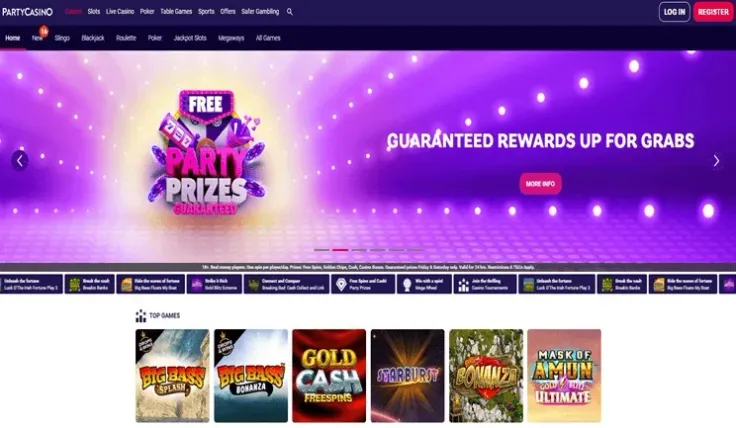
The three options differ in what you install, which devices they suit and how you keep them current. The cards above describe each page; here is how the choice plays out in practice.
The apps
An app is installed on the phone and sits among your other apps. That makes it a one-tap route back to the casino, which some players like and others find too easy. If you tend to open things on impulse, a browser bookmark gives you a little more distance. An app also takes up storage and needs updating from time to time, so check how much room your phone has before you commit.
The two apps are separate. The iPhone app is for Apple phones and the Android app is for Android phones. They do not swap across platforms, so the page you need depends on the device in your hand. If you change phones later, return to the relevant page again.
The mobile site
The mobile site opens in your browser. There is nothing to install and nothing to update on your side, and it works on a phone whichever platform it runs. It is also the easiest option to leave behind: close the tab and you have gone, with nothing left on the device.
The trade-off is convenience. You reach it through the browser each time, usually from a bookmark or by typing the address, so it is a little more effort than tapping an icon. For many readers that small friction is a feature, not a flaw.
Who each option suits
- iPhone app: Apple phone owners who want PartyCasino on the home screen.
- Android app: Android phone owners with the same wish.
- Mobile site: anyone who prefers not to install, uses a shared device, or wants to try the casino first.
If you play on more than one device, you can use the mobile site on one and an app on another. Check the relevant page for how that works, because this hub cannot tell you how accounts behave across devices.
The offers are a separate topic. The Party Pack welcome offer is for new players, and Community jackpots is aimed at existing players. See the welcome bonus page for the first and the bonus hub for the rest. Their key terms are on those pages, and T&Cs apply. Read them before you accept anything, whichever way you reach the casino.
19+ · T&Cs apply
How to choose where to start

Start with the device you will actually use. If you have an iPhone, the iPhone app page is the natural first stop. If you have an Android phone, go to the Android app page. These pages are written for each platform, so you are not left reading steps meant for another phone.
Then consider how often you expect to open the casino. For an occasional visit, the mobile site is enough, and you do not give up any storage. If you expect to return regularly and want it ready on your phone, an app is the better fit. You can always begin on the browser and move to an app later, so there is no need to decide everything at once.
A few practical criteria help:
- Storage and updates: apps use space and need updating. A browser does not.
- Shared devices: on a phone others use, the browser is easier to keep apart from everything else.
- Payment method: if you plan to pay with Apple Pay, an iPhone is the device where it fits. Other methods in the list work on either platform.
- Connection: a live dealer table needs a steady connection, so think about where you will be using it, whichever option you pick.
If you have not signed up yet, sign-up is the step that comes before any of this. Verification is also required at PartyCasino, so have your identity details to hand. The verification page explains what that involves. Doing it early means fewer surprises when you come to withdraw.
Tips before you deposit from a phone
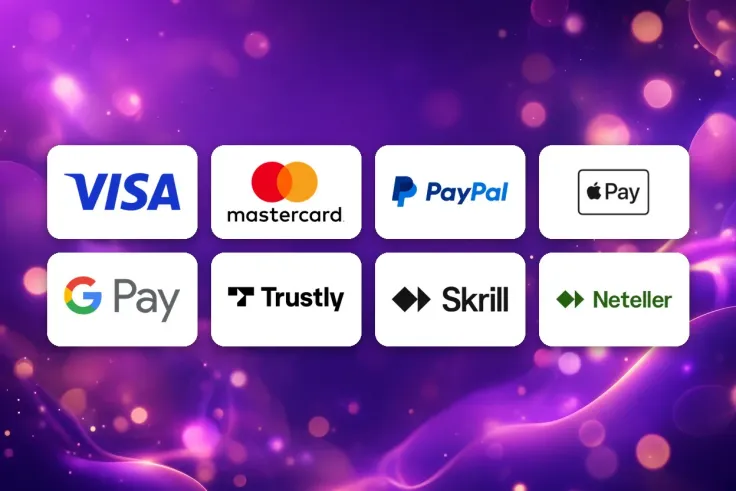
Check the payment details first. The minimum deposit is C$10, and the methods are Interac, Visa, Mastercard, Apple Pay and Bank transfer. Pick the one you would also want to use to withdraw, because withdrawal times are 1–7 days depending on method, and the time varies by method. The withdrawals page covers that in more detail.
Read any offer's terms before you accept it. For the Party Pack welcome offer, open the welcome bonus page and read the conditions there. T&Cs apply. Check which games an offer applies to before you start playing, because that is easy to miss on a small screen where text is cut short. For the Community jackpots offer, the bonus hub is the place to look, and T&Cs apply to it too.
Keep the details of your account in a safe place. Use a password you do not use elsewhere, and avoid logging in on a shared phone or a public network. The login page explains how signing in works.
Know where to get help. Support is open 24/7 through live chat and email. If a payment does not appear or a screen does not behave as expected, a message to support is quicker than guessing. The FAQ answers common questions on payments, verification and accounts.
Finally, decide your limits before you start, not while you are playing. Phones make it easy to open the casino at any time, so setting a deposit limit in advance helps you stay in control. The safer gambling page explains the tools available and where to find the helplines listed at the bottom of the page.